

Are you wondering if you really need a home phone to use your ADT security system? This question is more common than you might think.
Your home’s safety is important, and understanding how ADT works with or without a traditional phone line can make a big difference. Keep reading to discover what’s best for your security setup and how you can protect your home without extra hassle.
Your peace of mind could depend on it.
Adt Security And Home Phone Requirements
Understanding ADT Security and home phone requirements is important if you want reliable monitoring for your system. Many people wonder whether a traditional home phone line is necessary to keep their security system connected. The truth is, ADT’s technology has evolved, offering options that fit different home setups.
How Adt Uses Home Phones
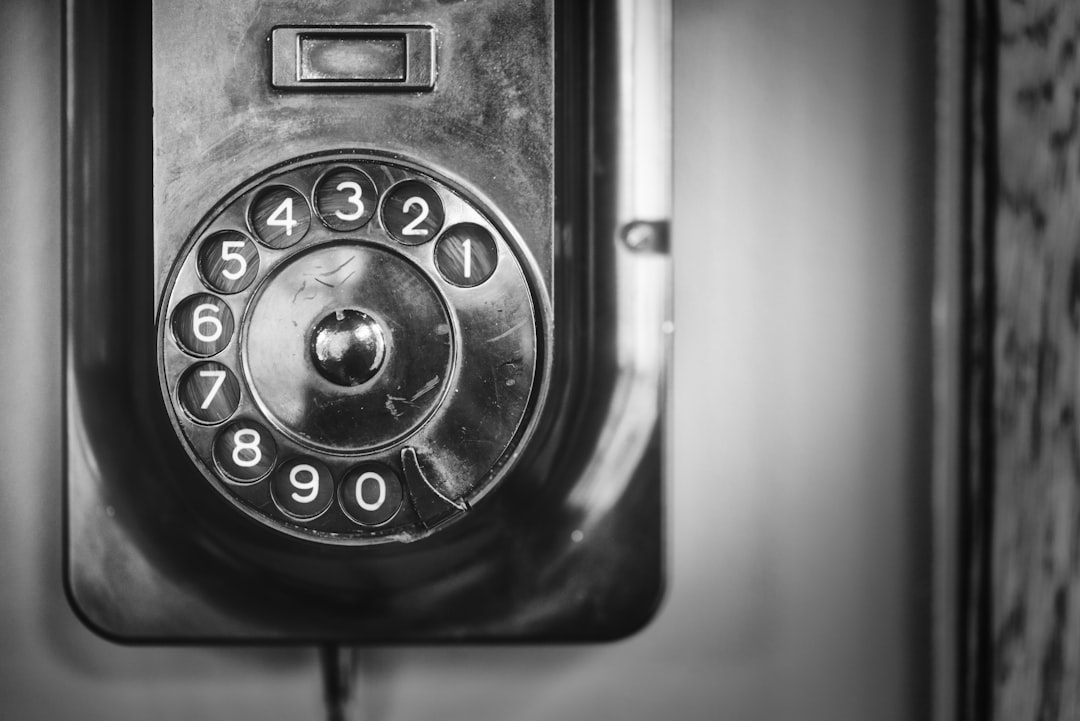
ADT originally relied on home phone lines to communicate alarms and alerts to their monitoring centers. The system uses the phone line to send signals in case of emergencies like break-ins or fire. This method ensured a steady and secure connection, especially before widespread internet availability.
If your home phone line is active, it acts as a dedicated path for your security system to send immediate notifications. However, the downside is that a cut or busy phone line can interrupt this connection. Have you ever considered what would happen if your phone line goes down during an emergency?
Alternatives To Home Phone Lines
Technology has advanced, and ADT now offers alternatives that do not require a traditional home phone line. Cellular communication is a popular option, using a SIM card to send signals over mobile networks. This method reduces the risk of disruption since it doesn’t rely on physical phone lines.
Another option is using internet-based communication through broadband or Wi-Fi. While it can be faster and more flexible, it depends heavily on your internet’s reliability. To avoid losing connection, some users combine internet and cellular backup, creating a more secure setup.
- Cellular communication: Works independently of home phone lines and is highly reliable.
- Internet connection: Uses your existing broadband but requires a stable network.
- Dual-path systems: Combine internet and cellular for stronger security.
Choosing the right communication method depends on your home's infrastructure and your peace of mind. Would a traditional phone line or a modern cellular system suit your lifestyle better?

Credit: www.yourlocalsecurity.com
Benefits Of Keeping A Home Phone
Keeping a home phone can offer solid benefits for your ADT security system. It provides a dependable communication line that helps your security system work smoothly. Many people think cell phones are enough, but a home phone adds extra safety and trustworthiness. It keeps your home connected even in tough situations.
Reliability During Power Outages
Home phones often work without power. Unlike cell phones, they do not rely on electricity for calls. This means your security system stays connected even when the power is out. Emergency calls can go through without interruption. This reliability is vital during storms or blackouts.
Better Emergency Response
Home phones send a clear, fixed location to emergency responders. This helps them find your home quickly. Mobile phones sometimes show the wrong address or no location at all. A home phone ensures first responders get the right information fast. This can save valuable time in emergencies.
Options Without A Home Phone
Many people think a home phone is needed for ADT security. But you have options without one. Modern technology offers flexible solutions. Let's explore these options.
Cellular And Wireless Systems
ADT offers cellular systems for homes without landlines. These systems use cell towers. They send alerts directly to ADT's monitoring centers. This option is reliable and secure. It works even if phone lines are down. You get instant communication. Installation is simple. No need for complicated wiring. A technician sets it up for you. It’s easy and hassle-free.
Internet-based Communication
Another option is internet-based communication. ADT can use your home's internet connection. This system sends signals through your broadband. It’s a fast way to connect to ADT. You can use your existing Wi-Fi network. This makes it cost-effective. No extra equipment needed. Just a stable internet connection. It ensures constant monitoring.
Cost Comparison
Comparing the costs of maintaining a home phone line versus relying on wireless and internet services for your ADT security system is essential. Understanding these expenses helps you decide what fits your budget without compromising safety. Let’s break down what each option might mean for your wallet.
Home Phone Line Expenses
Having a dedicated home phone line for your ADT system often means an extra monthly bill. Typically, this cost ranges from $20 to $40 per month, depending on your provider and location.
Installation fees can add $50 to $100 upfront. Plus, if you already pay for a home phone, using it exclusively for security might not be practical.
Think about this: Are you willing to pay for a service you rarely use just to keep your security system connected? Many people find this expense unnecessary in today’s wireless world.
Wireless And Internet Costs
Wireless monitoring uses cellular signals, which may add about $10 to $20 a month to your phone bill or require a separate data plan. If you already have a smartphone plan with sufficient data, this cost might be minimal or even zero.
Internet-based systems rely on your home Wi-Fi, which you likely already pay for. However, if your internet is unstable, you might consider upgrading your plan, which could increase your monthly costs.
Here’s a quick comparison table to clarify:
| Service | Typical Monthly Cost | Upfront Fees | Additional Notes |
|---|---|---|---|
| Home Phone Line | $20 - $40 | $50 - $100 | Dedicated line needed, rarely used otherwise |
| Wireless Monitoring | $10 - $20 | Usually none | May integrate with existing cell plan |
| Internet-Based | Varies (included in internet bill) | None | Depends on internet reliability |
Would you rather pay more for a system that feels “old school” or invest in modern options that might save you money? Your choice affects not just cost but convenience and reliability too.
Installation And Setup Considerations
Installing and setting up your ADT security system involves several important considerations, especially regarding whether you need a home phone line. Understanding the wiring and equipment requirements can save you time and hassle. Plus, deciding between professional and DIY installation impacts both the setup process and long-term system performance.
Wiring And Equipment Needs
Your ADT security system may require specific wiring depending on the model and features you choose. Traditional systems often rely on a home phone line to communicate alarms, while newer models might use cellular or internet connections instead.
If your home already has phone wiring, installation can be straightforward. But if not, you may need to add wiring or select a wireless option. Keep in mind, the equipment you get must match your home's wiring setup to avoid connectivity issues.
- Check if your ADT system supports cellular backup, which can replace the need for a landline.
- Evaluate your home's existing wiring before purchasing equipment.
- Consider compatibility with internet-based monitoring if you prefer not to use a phone line.
Professional Vs. Diy Installation
Choosing between professional installation and doing it yourself depends on your comfort level with technology and wiring. Professional installers bring experience that ensures your system works correctly from day one.
I once tried setting up a security system on my own and ended up spending hours troubleshooting a connectivity problem that a pro would have fixed in minutes. This experience taught me that professional installation can be worth the extra cost for peace of mind.
However, if you’re tech-savvy and your system supports wireless setup, DIY installation might save you money. Just be prepared to follow instructions carefully and check all connections thoroughly.
- Professional installation often includes testing and configuring the system for optimal performance.
- DIY installation gives you control but requires patience and attention to detail.
- Consider your schedule and technical skills before deciding.
What matters most is that your system is reliable and communicates alarms effectively. Have you thought about how your choice of installation method will impact your daily peace of mind?

Credit: bestcablesatellitetv.com
Customer Experiences
Customer experiences offer valuable insight into whether you really need a home phone for your ADT security system. Hearing directly from users helps you understand the real pros and cons beyond official specs. It also reveals common issues and how flexible the system can be with different phone setups.
Feedback On Using Home Phones
Many customers who use a traditional home phone with ADT report reliable connection during emergencies. They appreciate the simplicity of a wired line that doesn’t rely on Wi-Fi or cellular signals. However, some have mentioned frustrations with phone line outages causing temporary security disruptions.
One user shared how a power outage knocked out their home phone, which in turn delayed the alarm signal. This raised a question: is sticking with a home phone worth the risk of losing connection during power failures? Others highlight that if your area has frequent phone service interruptions, relying solely on a landline can be risky.
- Home phones are generally stable and straightforward to use.
- They can fail during power or phone line outages.
- Some customers find setup easier with a wired connection.
Reviews Of Wireless Options
Wireless options for ADT, such as cellular backup or fully wireless systems, receive positive feedback for their flexibility. Customers like the peace of mind knowing the system can communicate even if the phone line is down. One family noted how their wireless setup continued alerting ADT during a severe storm that knocked out both phone and internet lines.
On the flip side, a few users mention occasional signal drops or delays in areas with weak cellular coverage. They suggest testing the wireless signal strength at your home before committing. This raises the important question: does your location support a reliable wireless connection for security alerts?
- Wireless systems offer backup when phone lines fail.
- Signal strength can vary by location.
- Many find wireless more convenient and modern.
Making The Right Choice
Choosing the right setup for your ADT security system is important. The decision about having a home phone line affects how your system works. Think about what fits your home and lifestyle best. This helps you avoid problems and keeps your home safe.
Factors To Consider
- Check if your area has reliable internet or phone service.
- Consider the type of ADT system you have or plan to get.
- Know that some systems use cellular signals and do not need a phone line.
- Think about your budget for monthly phone or internet bills.
- Look at your home’s wiring and if it supports a landline easily.
Future-proofing Your Security System
Technology changes fast. Many homes now use wireless and cellular security systems.
These systems can work without a home phone line. They send alerts through mobile networks.
Choosing a system that can update easily saves money and stress later.
Make sure your system can connect to new technology as it becomes available.

Credit: www.instagram.com
Frequently Asked Questions
Do I Need A Home Phone For Adt Security Service?
No, a traditional home phone is not required for ADT security. ADT uses cellular or internet connections for monitoring. This allows reliable communication without a landline, making the system more flexible and modern.
Can Adt Work With Only Internet Connection?
Yes, ADT can operate solely on an internet connection. It uses Wi-Fi or Ethernet to send alerts and communicate with monitoring centers. This setup is convenient for homes without a landline phone.
How Does Adt Communicate Without A Home Phone?
ADT uses cellular signals or internet protocols to transmit alerts. These methods ensure fast, secure communication even if the home phone line is down or unavailable. It increases system reliability and monitoring speed.
Is A Landline Safer For Adt Security?
A landline is not necessarily safer for ADT. Cellular and internet connections offer strong encryption and redundancy. They can continue working during power outages, unlike some traditional phone lines.
Conclusion
A home phone is not always needed for ADT security. Many systems use cellular or Wi-Fi signals instead. These options provide reliable monitoring without extra phone lines. Choosing the right connection depends on your home and budget. Wireless setups offer more flexibility and easy installation.
Consider your needs before deciding. ADT security can work well with or without a home phone. Stay safe and choose what fits your lifestyle best.

